
TK 1971 App for Android and iOS in Bangladesh
Updated
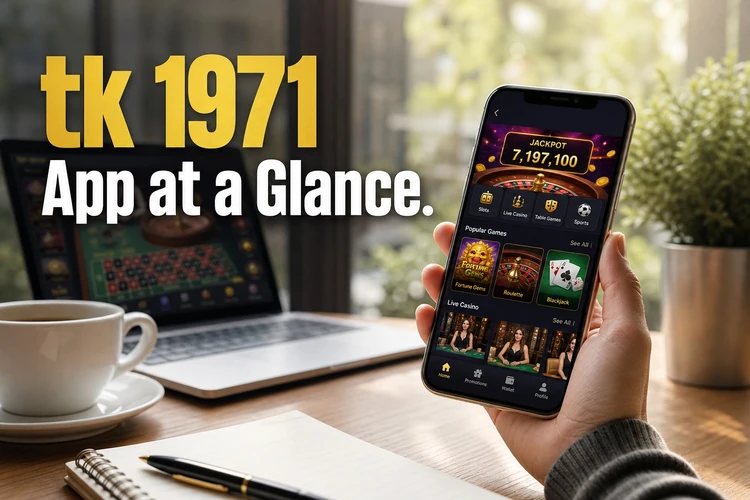
The tk 1971 app download combines casino entertainment, cricket betting and payments in one mobile interface. Android users install the APK file from the official site, while iPhone owners use a web-based version. The platform processes transactions in taka and integrates bKash, Nagad and Rocket for deposits and withdrawals.
tk 1971 App at a Glance
The application runs free of charge and occupies minimal storage space. Users access the full range of site features without browser limitations. The interface mirrors desktop functionality in a compact mobile format.
The compact format is useful on mobile networks, especially when users move between Wi-Fi and cellular data. The app also keeps casino, cricket and account tools in one navigation menu.
| Parameter | Value |
|---|---|
| Version | 2.8.1 |
| APK size | 18 MB |
| Minimum Android | 5.0 |
| iOS installation | Web app via Safari |
| Languages | English, Bengali |
| Price | Free |
| Last update | January 2026 |
Updates install automatically when users launch the app. The system checks for new versions each time you open it and applies patches in the background.
How to Download the tk 1971 App on Android
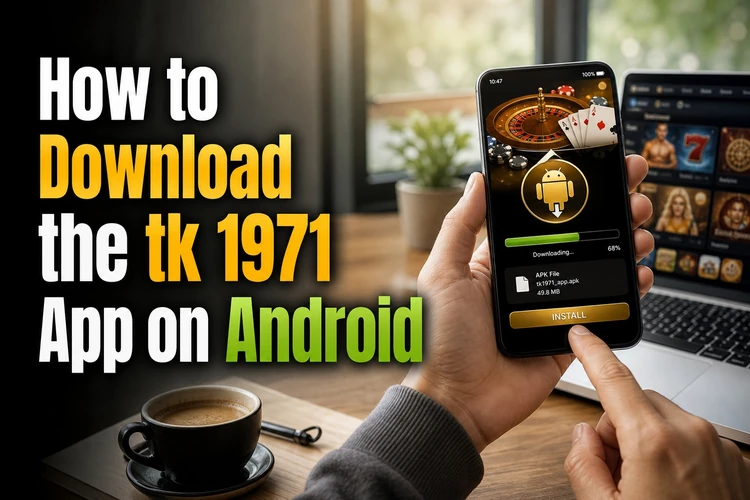
Google Play does not host gambling apps for Bangladesh, so the APK comes directly from bgdtk1971.com. Before installation, Android requires permission to install packages from sources outside the official store.
Keep enough storage available and use a stable connection during the download. The process normally takes only a few minutes on a current Android phone.
- Open bgdtk1971.com in your phone browser.
- Tap the Download APK button at the top.
- Open Settings, choose Security and enable Unknown Sources.
- Open the downloaded file and tap Install.
- Launch the app and log in with your phone number and password.
Third-party sites sometimes distribute modified APK files that can capture login details. Always download from bgdtk1971.com and check the file name before opening it.
How to Install tk 1971 on iPhone
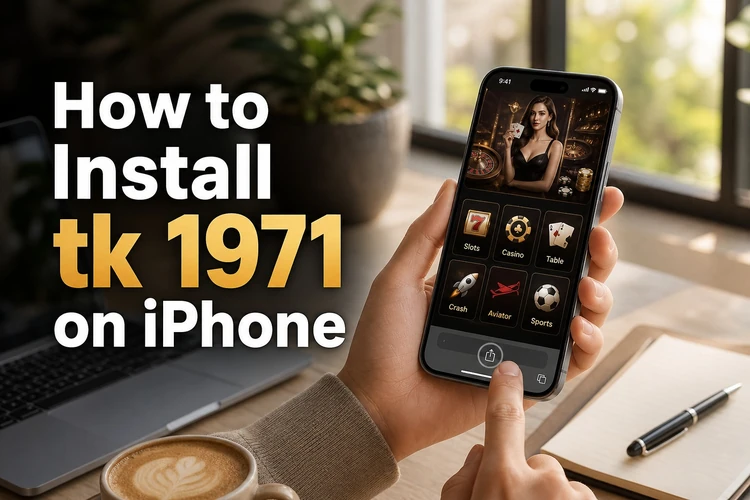
On iOS, the tk 1971 app works as a web version with an icon on the home screen. Safari creates the shortcut, so nothing needs to be installed from the App Store.
The shortcut opens in a familiar mobile layout and does not create a separate iOS download file. It suits users who want quick access while keeping phone storage free.
- Open bgdtk1971.com in Safari.
- Tap the Share icon at the bottom.
- Select Add to Home Screen.
- Confirm the name, tap Add, then open the icon and log in.
The web app uses minimal cache and refreshes content each time you launch it. Updates happen on the server, so you do not manually reinstall files.
tk 1971 Login in the App
Access requires the phone number and password created during registration. Android devices support biometric login after the first manual entry. The session remains active for 30 days unless you log out.
- First login uses your registered phone number and password.
- Fingerprint or face unlock is available on Android 6.0 and newer.
- Password recovery sends a code to your mobile by SMS.
- Two-factor authentication adds protection for withdrawals.
Use the same tk 1971 login details on the app and mobile site. Never share an SMS code, password or one-time password with another person.
Features of the tk 1971 Apps
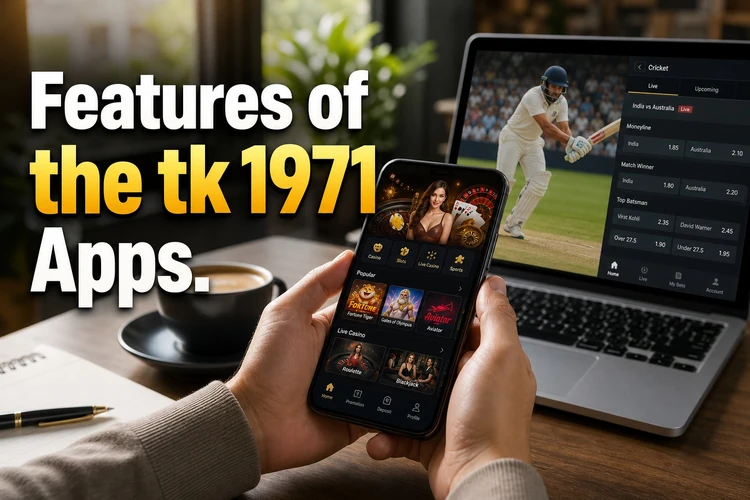
Mobile access includes every function from the desktop site plus tools designed for phones. The layout adapts to screen size and network conditions without removing account options.
Push alerts can help users follow live events, while data saver mode is useful on slower connections. These controls can be adjusted from the app settings.
- Full library of slots, live dealer tables and jackpot games.
- Pre-match and live betting on cricket, football and tennis.
- Deposits and withdrawals through bKash, Nagad and Rocket.
- Push notifications for bet results and bonus offers.
- Data saver mode for slower mobile connections.
- Biometric login for repeat visits.
The app is convenient for frequent live betting because event updates remain close at hand. It also reduces the number of browser tabs needed during a match.
App vs Mobile Website

Playing through a mobile browser is possible without downloading anything. The app suits regular users, while the mobile site can be better for shared or low-storage phones.
Both versions use the same account credentials and payment options. The table shows the practical differences for Bangladesh users.
| Parameter | App | Mobile Site |
|---|---|---|
| Installation | APK download required | No installation |
| Loading speed | Instant launch after setup | Loads during each visit |
| Biometric login | Yes on Android | Not available |
| Push notifications | Enabled | Browser alerts only |
| Storage used | 18 MB | Cache only |
Your account balance, bet history and profile settings remain identical across both platforms. Switching between the app and browser does not duplicate data or require separate accounts.
FAQ
The official APK from bgdtk1971.com carries a verified digital signature and contains no malware. The file is checked before each update is released.
Google restricts real-money gambling apps in Bangladesh and many South Asian markets. Platforms therefore distribute APK files directly through their official websites.
Android 5.0 is the minimum requirement, so the app works on many older devices. Phones with 1 GB RAM can run standard casino and betting tasks.
Check that Unknown Sources is enabled and that at least 50 MB of storage is free. Restart the phone and download the APK again if the error continues.